Brush-based level design, connected

Build the room.
Make it a world.

Design in TrenchBroom. Play in Godot. Godroom brings your brush geometry, materials and game entities into the engine—without a second scene-building workflow.

A native editor addon + bundled compiler. No separate service.
Unsigned candidate. See measured support and release limits.
INSIDE THE GODOT EDITORREAL CAPTURE / NOT A MOCKUP
Godroom's level authoring tools inside the Godot editor
A native workflow: authored maps in, inspectable Godot resources out.Open any screenshot for a closer look ↗
Godot-nativeEditor UI and compiled scenes
Quake + Valve 220Supported brush-map formats
Typed entitiesYour scenes, properties and logic
Runtime independentNo compiler needed by the game

A bridge, not another engine

Keep the parts of each tool
you came for.

TrenchBroom is where you shape a level. Godot is where you build a game. Godroom handles the translation between them.

01 / GEOMETRY

Build with brushes.

Import Standard Quake and Valve 220 maps with surface UVs, material resolution, collision and source locations. Keep the map as the source of truth.

02 / ENTITIES

Use your game scenes.

Register point and brush entities, expose typed properties and define variants. Publish the catalog back to TrenchBroom as entity definitions and previews.

03 / ITERATION

Save. Rebuild. Inspect.

Track dependencies and incremental generations. See problems at their source, inspect generated output and recover with an explicitly identified last-good build.

The short version

One map. A clear path to play.

Project settings connect your map roots, material search paths and entity catalog. Godroom compiles them into resources Godot already understands.

A source map, entity catalog and materials feed the Godroom compiler, which produces a Godot scene for the exported game
Illustrative data flow. Your exported game does not run TrenchBroom or the native compiler.
  1. 1

    Connect your project

    Enable the addon, configure the central settings and publish your game package for TrenchBroom.

  2. 2

    Design and save

    Build brushes and place entities. Save the map into a configured project root; Godot imports the changed source.

  3. 3

    Play and validate

    Instance the imported map in an authored scene. Check freshness and shipping diagnostics before exporting.

Follow the first-room walkthrough →

Your game, in the catalog

Entities with meaning.
Not just key/value strings.

Connect a map classname to a saved Godot scene. Define typed fields, inherited defaults, visual bounds and variants, then publish the same definition to your level editor.

  • Point entities and brush-owned scenes
  • Typed trigger, relay and command contracts
  • Saved-scene inspection without gameplay initialization
Learn the entity workflow →
Godroom entity catalog tools with source and publication information
Catalog-driven authoring. Real editor capture; diagnostic fixtures may deliberately include an unregistered entity.

Know what the build is doing

From a problem
back to its source.

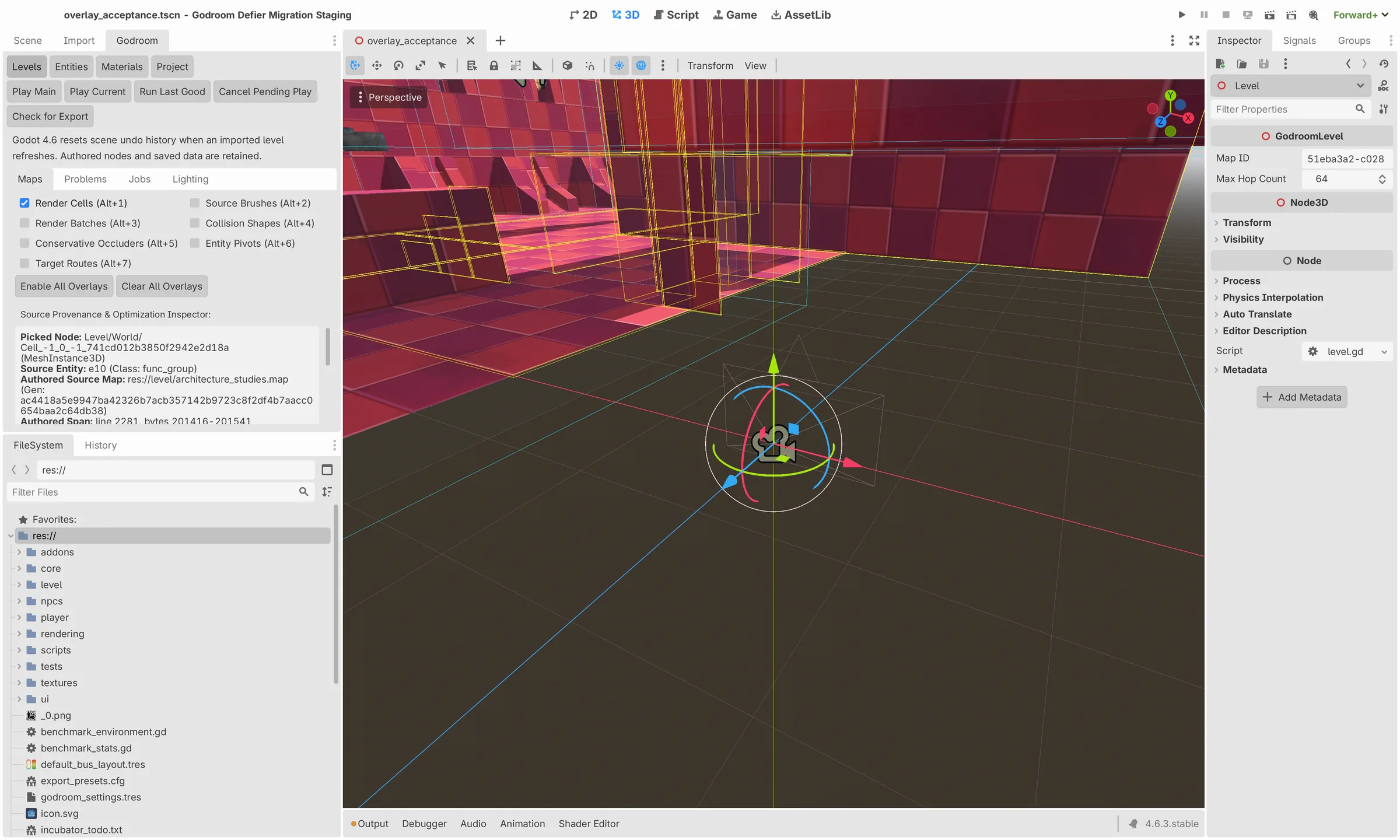
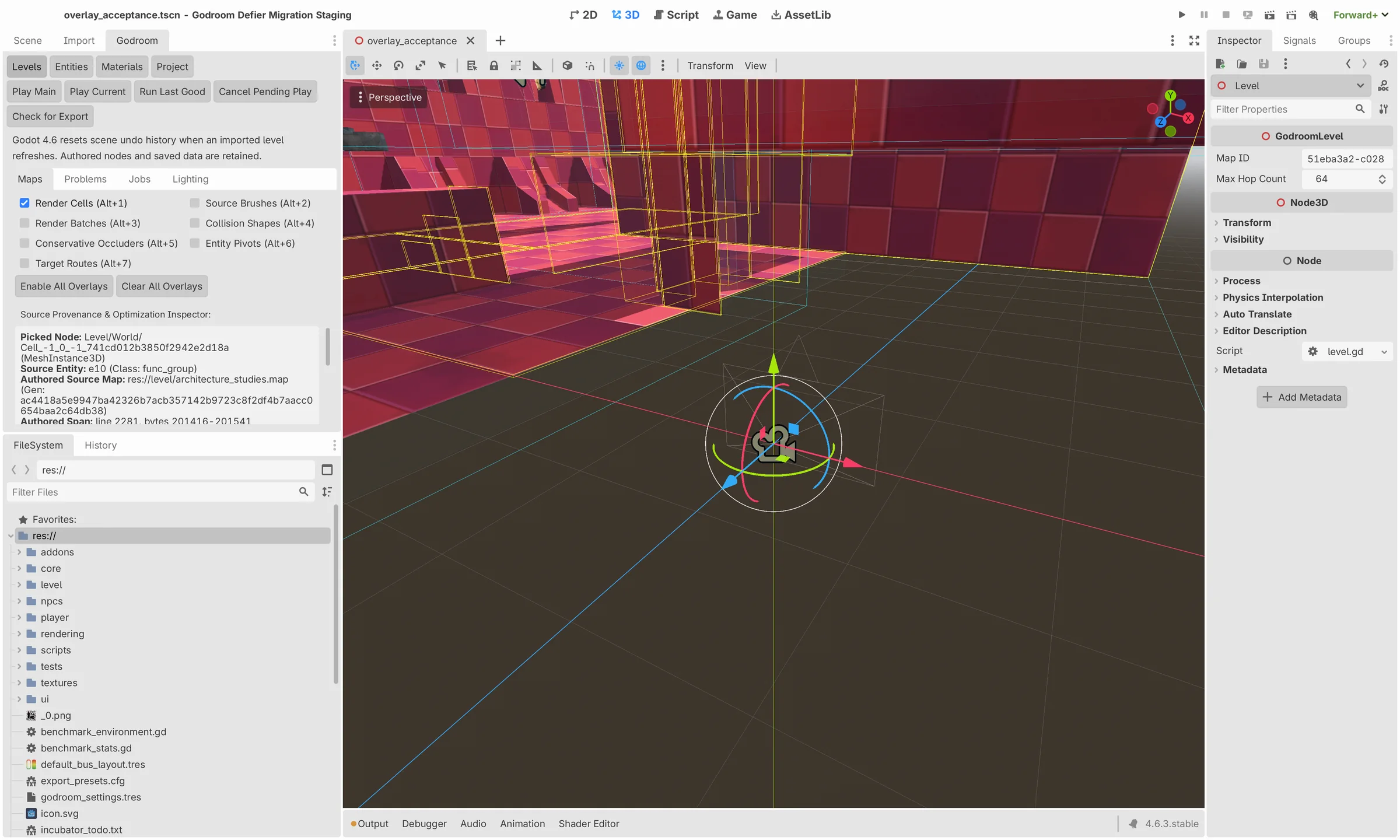
Missing material? Unknown classname? Stale output? Keep the reason visible. Godroom connects diagnostics to source records and exposes generated-data overlays for inspection.
  • Material mapping and source-located repair
  • Build jobs, status and last-good generations
  • Picking and overlays for generated geometry
Understand builds and recovery →
Generated level geometry and inspection overlays in the Godot editor
Inspectable output. Generated-data views help explain the compiler's decisions; they are not a substitute for gameplay testing.

Ordinary resources. Real gameplay.

Ship the game.
Leave the tools behind.

The build driver imports, checks and exports using your existing Godot preset. Runtime scenes retain their required resources and small typed runtime—not the map compiler or editor tools.

  • Static and moving collision policies
  • Managed navigation and derived-data freshness
  • Conservative batching, occluders and optional LOD/HLOD
Prepare a checked export →
Running Godroom entity example with trigger and mover demonstrations
The entity example, running. Its visible counters make trigger, damage, command and clock behavior inspectable.

Current release boundary

Built and exercised.
Not overclaimed.

Godroom is an unsigned, measured-profile candidate. The documented baseline is Godot 4.6.3, with selected qualification across the 4.6.0–4.6.3 patch series.

Both complete public examples pass the enforcing import/check/export workflow. All eleven maps in the Defier staging corpus rebuild, but missing original materials and entity definitions still block a strict shipping cutover.

Read the support matrix
  • macOS is the primary editor qualificationApple Silicon native editor and gameplay evidence; x86_64 helper execution under Rosetta is a narrower qualification.
  • Linux and Web have specific runtime evidenceLinux headless gameplay/navigation and Chromium WebGL2 scenarios do not establish renderer-wide or desktop-editor parity.
  • Windows and signed distribution remain unqualifiedA cross-built Windows helper is available in the candidate artifacts. Native Windows acceptance and signing/notarization are still separate gates.
  • Optimization is measured, not magicConservative output and explicit policies come first. No universal frame-rate improvement or automatic light-bake completion is promised.

Start with a small room

A first level you can understand.

Install, connect TrenchBroom, import a map and build from there.

Open the user guide →